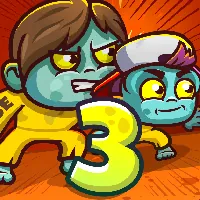
















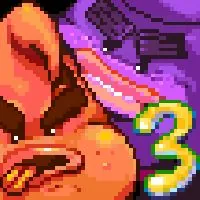










About Zoom Be 3
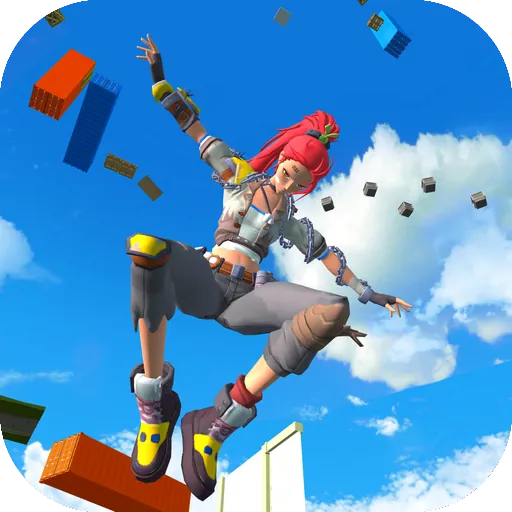
Zoom Be 3 is an exciting and addictive browser game delivering instant entertainment with intuitive mechanics, smooth animations, and progressive challenges. Master the gameplay loop, beat your personal records, and enjoy Zoom Be 3 unblocked online on any device with no downloads required.
Navigating the World of UBGWTF Gaming
Embarking on your gaming journey with Unblocked Games WTF is an experience defined by its simplicity and efficiency. We have streamlined the entire process to ensure that you spend less time on setup and more time enjoying the games. Our user interface is intuitive, allowing for quick and easy access to our extensive catalog.
Getting Started with Our Unblocked Games
Should you encounter any difficulties in locating a particular game, our organized directory structure is at your disposal. By navigating through the /game/ section of our website, you can manually browse and select your title, ensuring that every game in our collection is accessible to you.
Mastering Game Controls for Enhanced Play
While each game on our platform offers a unique control scheme tailored to its specific gameplay, we recognize the value of providing general guidance. Understanding these common control patterns can significantly enhance your ability to adapt quickly and perform at your best, regardless of the title you choose.
Common Game Control Layouts
It is important to note that many of our games provide explicit control schemes. These are typically displayed on the loading screen or within the main menu of the game itself. We strongly encourage players to review these instructions before commencing gameplay to ensure a fully informed and optimized experience.
How to Play Zoom Be 3 & Controls Guide
Mastering Zoom Be 3 requires fast reflexes and precise control inputs. Below is the verified control reference for desktop and mobile players:
| Control Input | Action / Function |
|---|---|
WASD / Arrow Keys | Primary movement and navigation |
Spacebar | Jump, interact, or primary action |
Left Click / Tap | Aim, fire, or select options |
Esc / P | Pause game menu |
Tips & Strategies to Win in Zoom Be 3
- Learn the Momentum: Take time in early rounds to understand movement physics and inertia in Zoom Be 3. Smooth, measured inputs beat erratic button mashing.
- Anticipate Upcoming Hazards: Keep your eyes focused slightly ahead of your character or vehicle to react early to sudden traps, turns, or enemy encounters.
- Practice Consistent Timing: Many challenges in Zoom Be 3 rely on rhythmic timing. Replaying tricky stages builds muscle memory for flawless high-score runs.
- Optimize Display Settings: Use the fullscreen toggle button below the game frame to eliminate desktop distractions and maximize your reaction speed.
Frequently Asked Questions About Zoom Be 3
Can I play Zoom Be 3 unblocked at school?
Yes, Zoom Be 3 runs directly through HTML5/WebGL in modern web browsers (Chrome, Edge, Firefox, Safari) without requiring local admin rights, APK downloads, or third-party plugins.
Does Zoom Be 3 work on school Chromebooks?
Yes, the game is lightweight and fully optimized for ChromeOS and budget laptops with fast asset streaming and low memory overhead.
How do I play in fullscreen mode?
Simply click the expand (fullscreen) icon located directly beneath the game canvas on this page to expand the view to 100% of your screen.